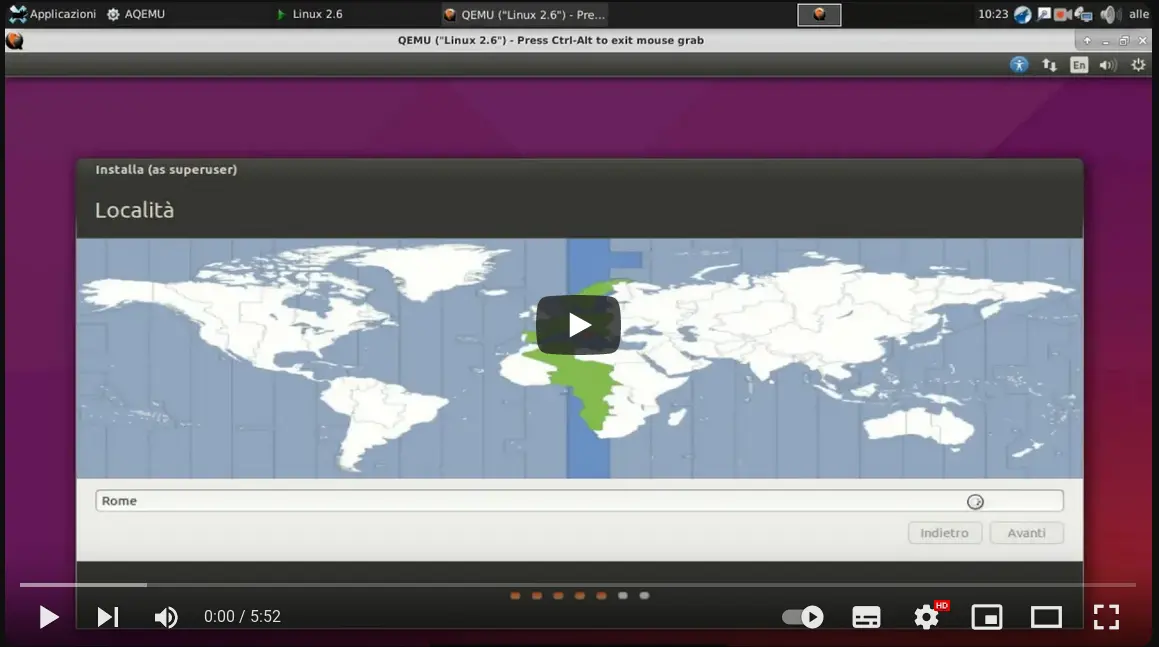
Ubuntu 15.10 Wily Werewolf Installation.
Install Ubuntu 15.10 on your computer
After booting from USB or CD the image of Ubuntu 15.10 we select from the keyboard the boot options of the image and we place on install, with enter we start the installation
Through the selection, we set the time zone, language and keyboard
We enable automatic update during installation and licensed components
We select if we have only this operating system, to use the entire disk, otherwise we will have to change the partitions (after making a backup) to use empty space
At this point we will start the installation on the disk