Linux Open source video conferencing
Web applications are the standard, the cloud allows us to speed up, distribute work and ensure reliability and reachability all over the world,broadband is now everywhere, following the trend the Linux video conferencing application has become web based
The conditions allow us to create new possibilities for work, Smart working, the ability to operate remotely, Jitsi is the most advanced open source video conferencing server, suitable for those who want to have data on private VPS systems or supplement existing software, with a powerful meeting tool
Working and video calling on Linux or any other operating system, collaborating with colleagues, wherever they are, is a necessity of ours and using Linux every day is problem we have had to face
No matter where, when or with what device, the technologies available, allow us to be able to work simply by connecting to the resources we need
Linux video conferencing and meetings
Surely from time to time, even the most organized teams need to take stock verbally, compare ideas or simply have immediate feedback on some of the work
There are many software of this type, some developed by the world's leading companies, such as Cisco, Microsoft, Google, are very good software, but often they are very competitive, as far as integration with Linux is concerned, others require an annual license or limit the number of participants
Jitsi the Open Source Alternative
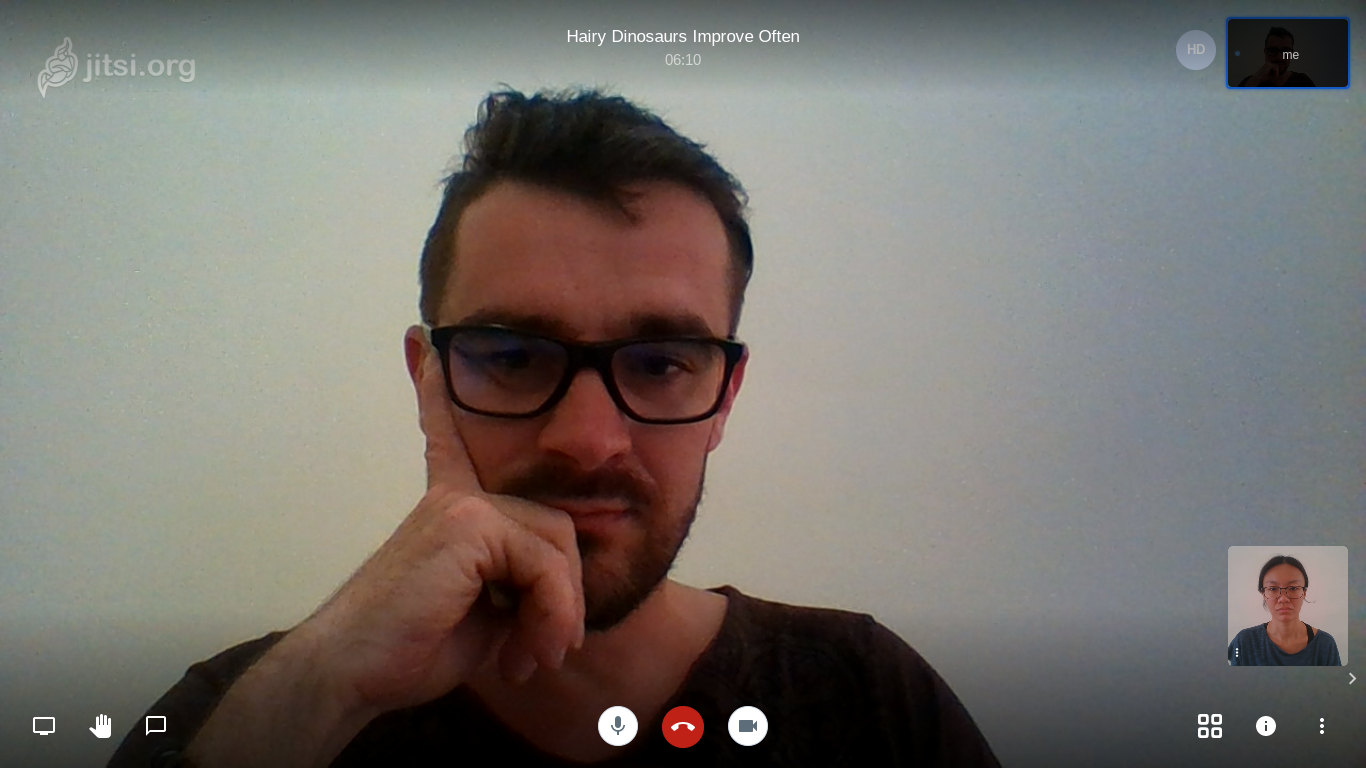
A alternative to Hanghout, Zoom or Teams very interesting, open source and web based is Jitsi
This Linux video conferencing software, can be used directly from Chrome and Chromium from the official website, also allowsto install on a Linux VPS server and in a Cloud instance such as Google GCP, the server version to be used in private mode
Among the functions offered we find streaming youtube, for listen-only users and to scale even to over 1000 active participants on a Xeon E5-1620 as can be seen in these tests
During the videoconference, as in most of the various clones, we can share the screen, chat and collaborate in various ways
Jitsi is also available as a mobile app, found on the various stores and provides an excellent alternative for open source video conferencing and a faithful tool for conducting smart working meetings
Jitsi plugins
Many external plugins are available that, like Jibri, allow bridging for Youtube streaming
It is possible to connect a module for integration with SIP, which allows us to participate in meetings via phone call, very useful for those who have collaborators distributed in areas with poor or slow connectivity
Other modules allow integration with the Moodle distance learning and Mattermost collaboration platforms
Software architecture
Jitsi is based on a microservice architecture, which communicate with each other, via standard open source protocols
The strength of this microservice design, is the ability to create secure, custom cloud architectures of the customer, creating component redundancy, to ensure its high reliability
Integration into existing projects, given its open-code nature is easier, as is ensuring its reliability and the ability to scale horizontally across multiple instances, platforms and multiple clouds
To test it in our meetings, we deployed it to Google Cloud, using Google's accelerated network, the quality and latency both from PC and mobile was excellent, even with collaborators abroad
Deploy to Cloud
You can do deploy to Cloud of Jitsi, using the official Docker containers, available on this repository https://github.com/jitsi/docker-jitsi-meet
Creating a high reliability architecture, requires in-depth knowledge and analysis of the components turn to experts for the designing an ad-hoc scalable infrastructure, to eliminate single point of failure PoF