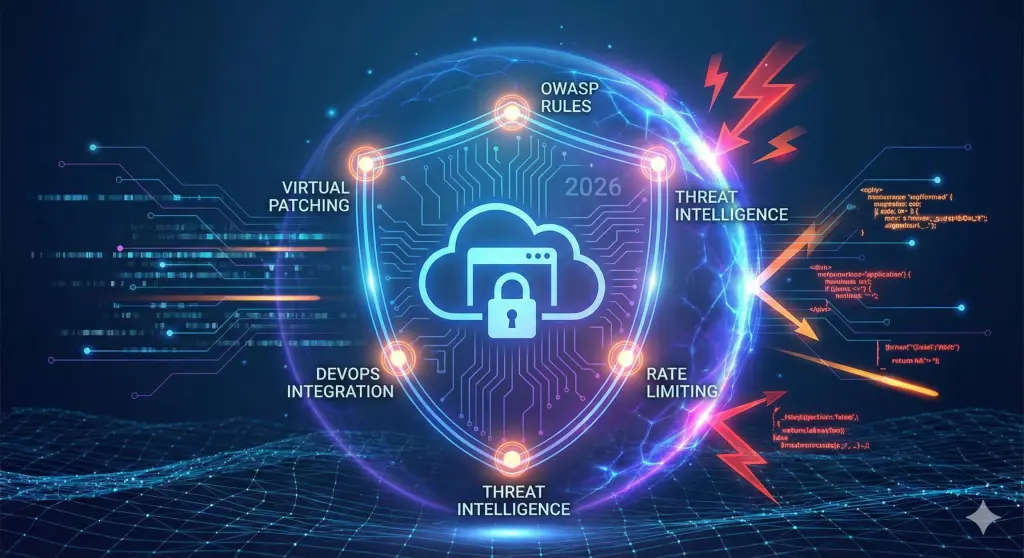
WAF Best Practices 2026: Strategic Guide to Protecting Your Web Apps
In a digital landscape where threats evolve faster than defenses, configuring a Web Application Firewall (WAF) with default settings is no longer enough. This guide for CTOs and System Administrators explores the WAF best practices essential to armoring critical infrastructure, from OWASP rule integration to DevOps automation, ensuring business continuity and security.
Key Points of the Article:
- Critical Difference Between Negative and Positive Security Model.
- How to implement OWASP Top 10 rules without blocking legitimate traffic.
- The importance of Virtual Patching to mitigate Zero-Day vulnerabilities.
- Integration of WAF into CI/CD and DevOps processes.
- Rate Limiting strategies against DDoS and Brute Force attacks.
What is a WAF and why is it critical to Business?
A Web Application Firewall (WAF)is not just a network accessory, but the first line of defense specifically for Web applications (Layer 7 of the OSI model). Unlike traditional network firewalls (Layer 3/4), which filter packets based on IP addresses and ports, the WAF analyzes HTTP/HTTPS traffic to detect complex attack patterns such as SQL Injection (SQLi) or Cross-Site Scripting (XSS).
For CEOs and CTOs, ignoring waf implementation best practices means exposing the enterprise to enormous risks: data theft, service disruption and incalculable reputational damage. Platforms such as OWASP are constantly updating their list of the most critical threats, and your WAF needs to evolve in step with it.
Configuring a WAF requires vertical experience on global threats. Protect your business with enterprise solutions like Cloudflare managed by experts.
The 7 Fundamental WAF Best Practices
To ensure a robust security posture, it's not enough to just "turn on" the service. Here are the golden rules for effective waf configuration:
1. Adopt a Hybrid Security Model
There are two main approaches:
- Negative Security Model (Blacklisting): Blocks what is known to be malicious (e.g., signatures of known attacks). It is easy to manage but does not protect against Zero-Day.
- Positive Security Model (Whitelisting): Allows only what is known to be valid. It is extremely secure but requires deep application knowledge to avoid false positives.
Current best practice involves a hybrid approach: blocking known threats and applying restrictive rules on critical endpoints (e.g., login areas or administrative APIs).
2. Implement OWASP Top 10 Rules
Make sure your Rule Set (Rule Set) covers at least the OWASP Top 10. This includes protections against:
- Injection: SQL, NoSQL, OS injection.
- Broken Access Control: Unauthorized access to protected resources.
- Security Misconfiguration: Insecure default configurations.
3. Use Virtual Patching
When a vulnerability is discovered in your application code (e.g., a WordPress plugin or Java library), the development time for the fix can be long. Virtual Patching allows you to block exploit attempts of that vulnerability directly at the WAF level, protecting the app while waiting for the correct code to be released.
4. Rate Limiting and Geo-Blocking
To mitigate volumetric DDoS attacks and Brute Force attempts:
- Enable Rate Limiting: limits the number of requests per IP to specific URIs (e.g. `/login`).
- enable Geo-Blocking: if your business is Italian-only, block or challenge (via CAPTCHA) traffic from high-risk countries or where you don't operate.
Discover in detail how we apply these strategies in our case study on mitigating volumetric and Layer 7 DDoS attacks of over 360,000 requests
Managing a critical Linux infrastructure and its security rules takes time and vertical expertise.
Configuration and Automation: The DevOps Approach
In 2026, security is not a bottleneck but an integral part of the development process. Modern WAF deployment best practices require the use of Infrastructure as Code (IaC) tools such as Terraform or Ansible.
Integrating WAF into the CI/CD pipeline allows you to:
- Version rules: Track any changes to security configuration.
- Automated Testing: Verify that new rules do not block critical functionality before deploying to production.
- Consistency: Apply the same policies across Staging and Production environments.
If you use containers, make sure your WAF strategy extends to microservices as well, perhaps integrating solutions such as Docker or Kubernetes Ingress Controller protected.
Common Errors in WAF Management
Even the most experienced teams can make mistakes. Avoid these pitfalls:
- "Set and Forget": An outdated WAF becomes useless in a few months. The rules should be reviewed periodically.
- Mismanagement of False Positives: Blocking real customers is as damaging as being attacked. Constantly monitor logs to calibrate sensitivity.
- Lack of Logging: Without detailed logs, you cannot do post-incident forensic analysis. Integrate WAF logs with your monitoring system.
Integrate security into your development cycle. Our DevOps experts can automate the configuration of your WAF and infrastructure.
Frequent Questions (FAQ)
Does a WAF replace the network firewall?
No. The network firewall protects server access (ports/IP), while the WAF protects the web application (code/HTTP). They are complementary.
What is the difference between cloud and on-premise WAFs?
Cloud WAFs (such as Cloudflare, Google Cloud Armor, AWS WAF) are scalable, easy to deploy, and managed by the provider. On-premise WAFs offer more control over data, but require constant hardware and software maintenance.
Does WAF slow down the website?
If configured correctly, the impact is imperceptible. Rather, by blocking bot and junk traffic, it often frees up resources by improving performance for real users.
How often do I need to update WAF rules?
Rules for known threats (Managed Rules) should update automatically through the vendor. Custom rules should be reviewed with each significant release of the application.